Learn by reading

Learn any language by reading.

Read the books, articles, and stories you actually want to read — in a new language. Tap a word and TransReader asks you what it means, checking your answer against your own dictionary. Every page becomes quiet, active recall.

Download on theApp Store Will be soon
Get it on Google Play Now available

Private and on-device No accounts No ads
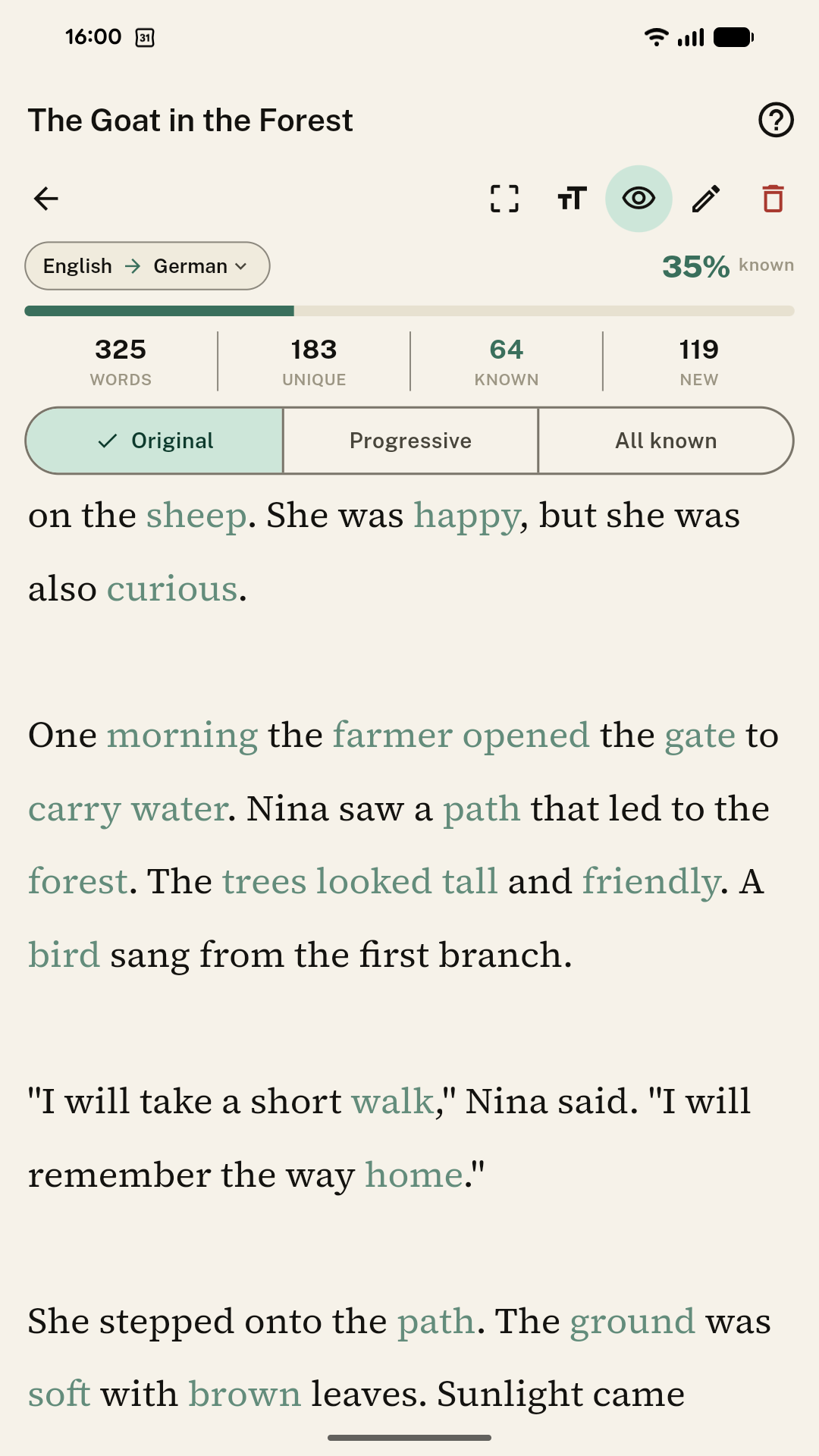
TransReader reading screen, Original mode
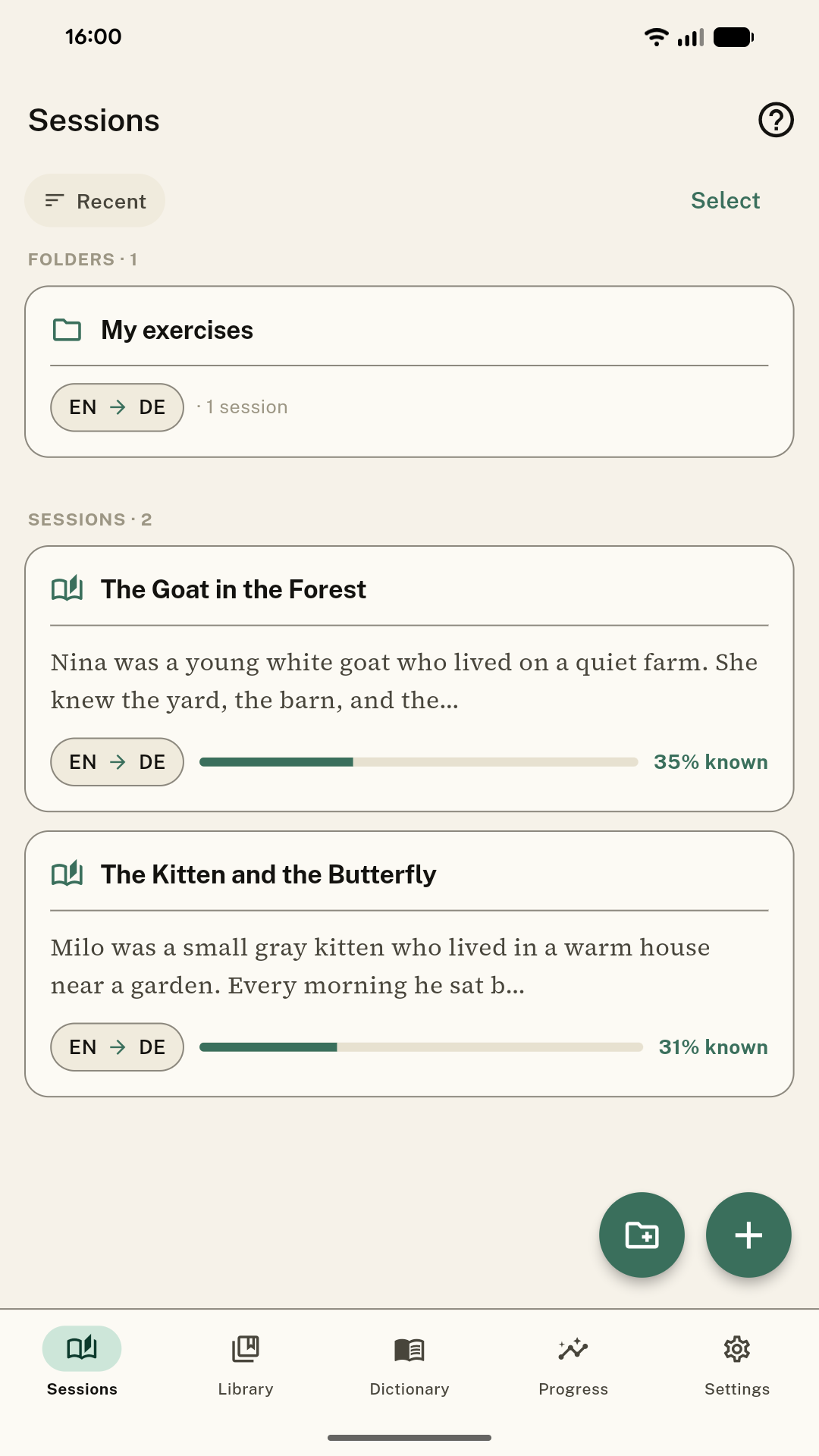
Sessions

Read at your own pace.

Your reading lives in Sessions. Bring any text — paste it, scan a page, or import a file — then read it three ways. Tap a word and TransReader asks what it means, while a coverage bar shows how much of each text you understand.

Sessions list with folders

Tidy in folders

Keep your sessions organized by language pair.

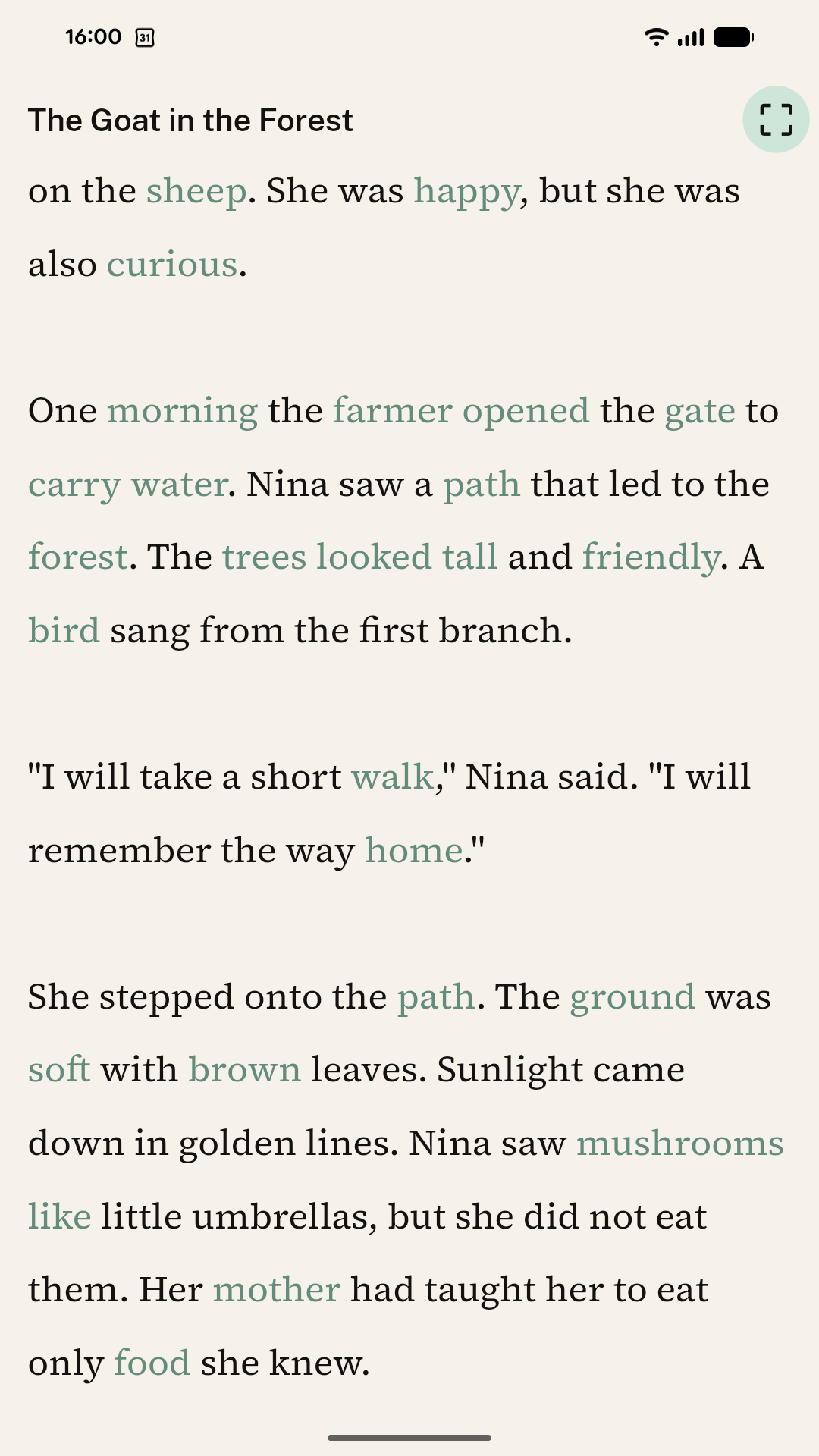
Distraction-free focus reading

Distraction-free

A focus mode with nothing on the page but the words.

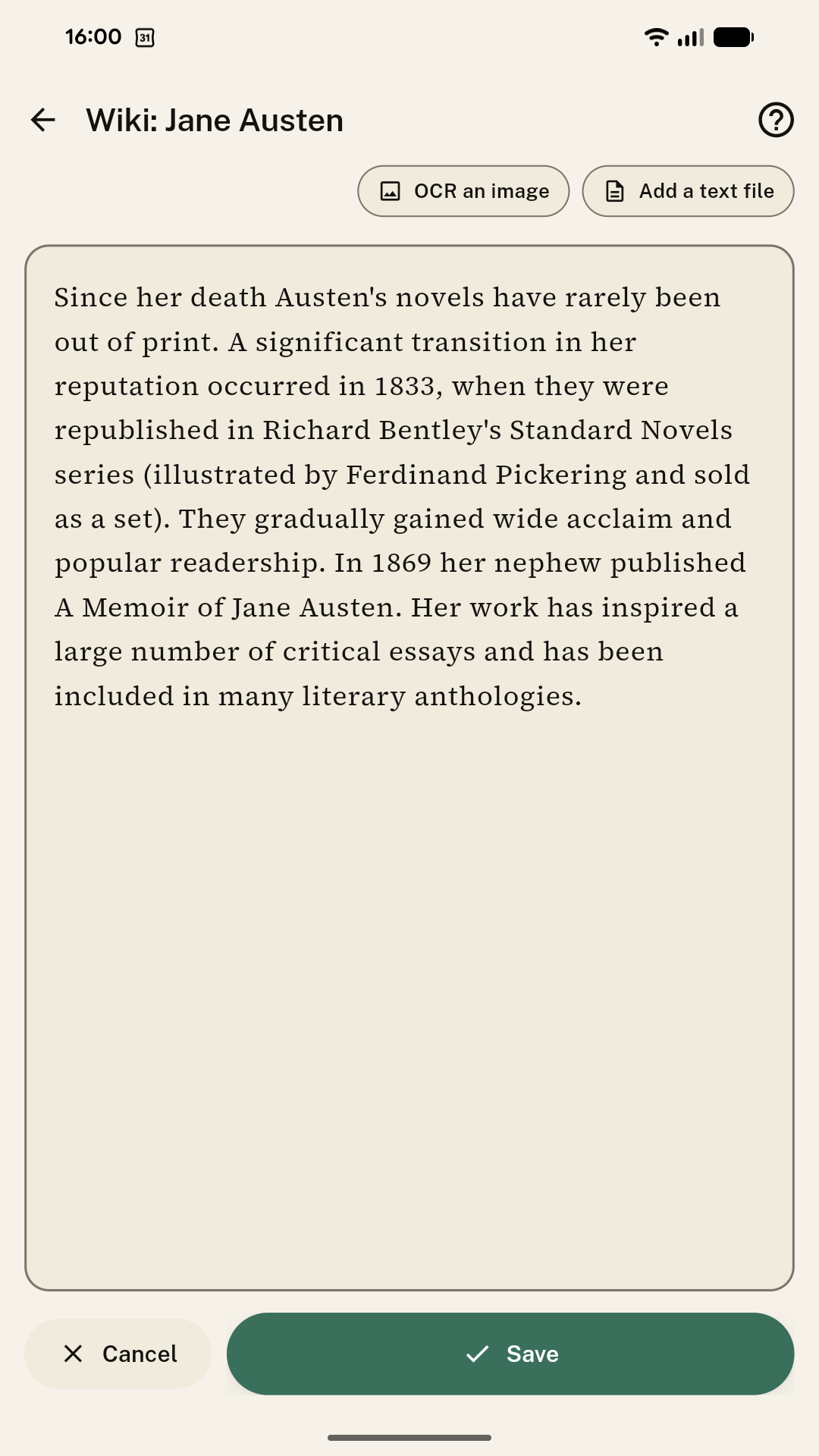
Bring a text: paste, OCR an image, add a text file

Bring any text

Paste it, scan a page with OCR, or add a text file.

Reading modes

Read it three ways.

The same text, three views — from the untouched original to a page fully in your language. Switch between them whenever you like.

Reading in Original mode
Reading mode 01

Original

The text exactly as it was written, in the language you’re learning. The words you already know are softly highlighted — toggle the hint on or off with the eye icon — and tapping any word lets you recall or add its meaning. Nothing is translated for you; you read the real thing.

Best for immersion and testing yourself.

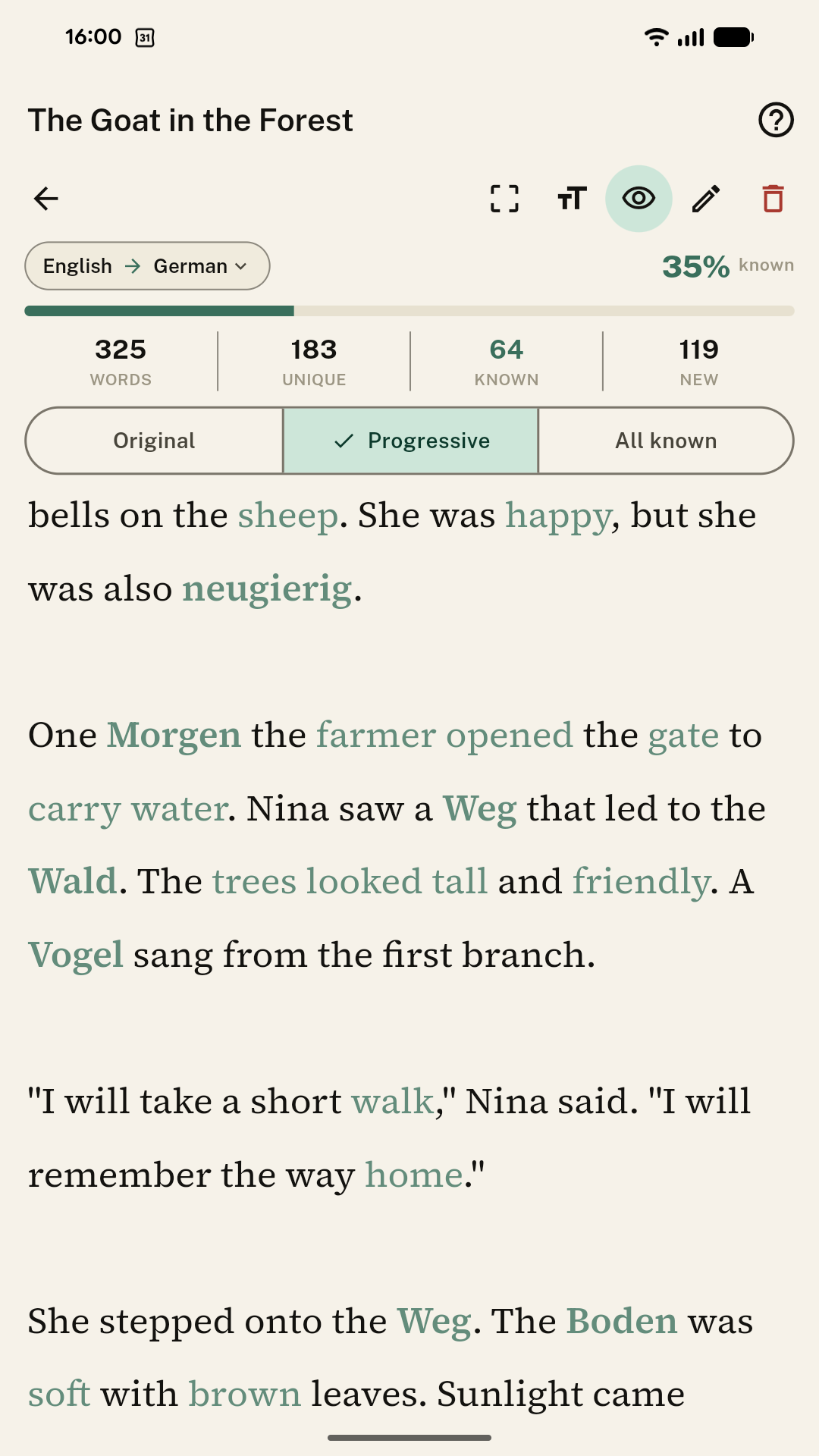
Reading in Progressive mode
Reading mode 02

Progressive

A gradual blend that fills in as you go: each word you translate during the session appears in your language, while the rest stays in the original with your known words still highlighted. The page slowly turns into your language at your own pace.

Best for working through a new text without getting stuck.

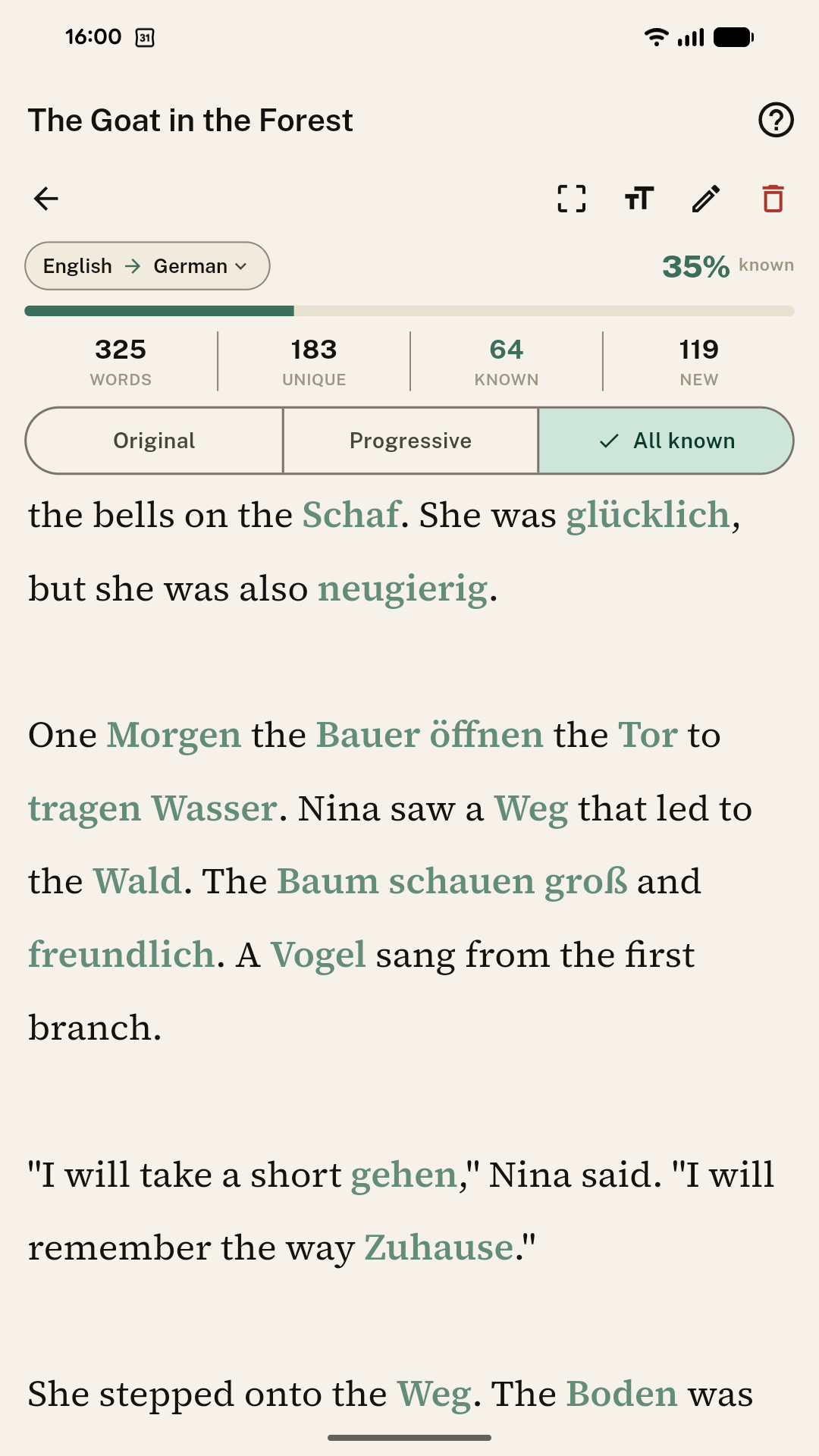
Reading in All-known mode
Reading mode 03

All known

Every word already in your dictionary is shown in your language at once, leaving only the words you don’t yet know in the original. It’s an instant picture of how much you understand, with the new words standing out and ready to learn.

Best for gauging coverage and spotting what’s left to learn.

Library

Never start from a blank page.

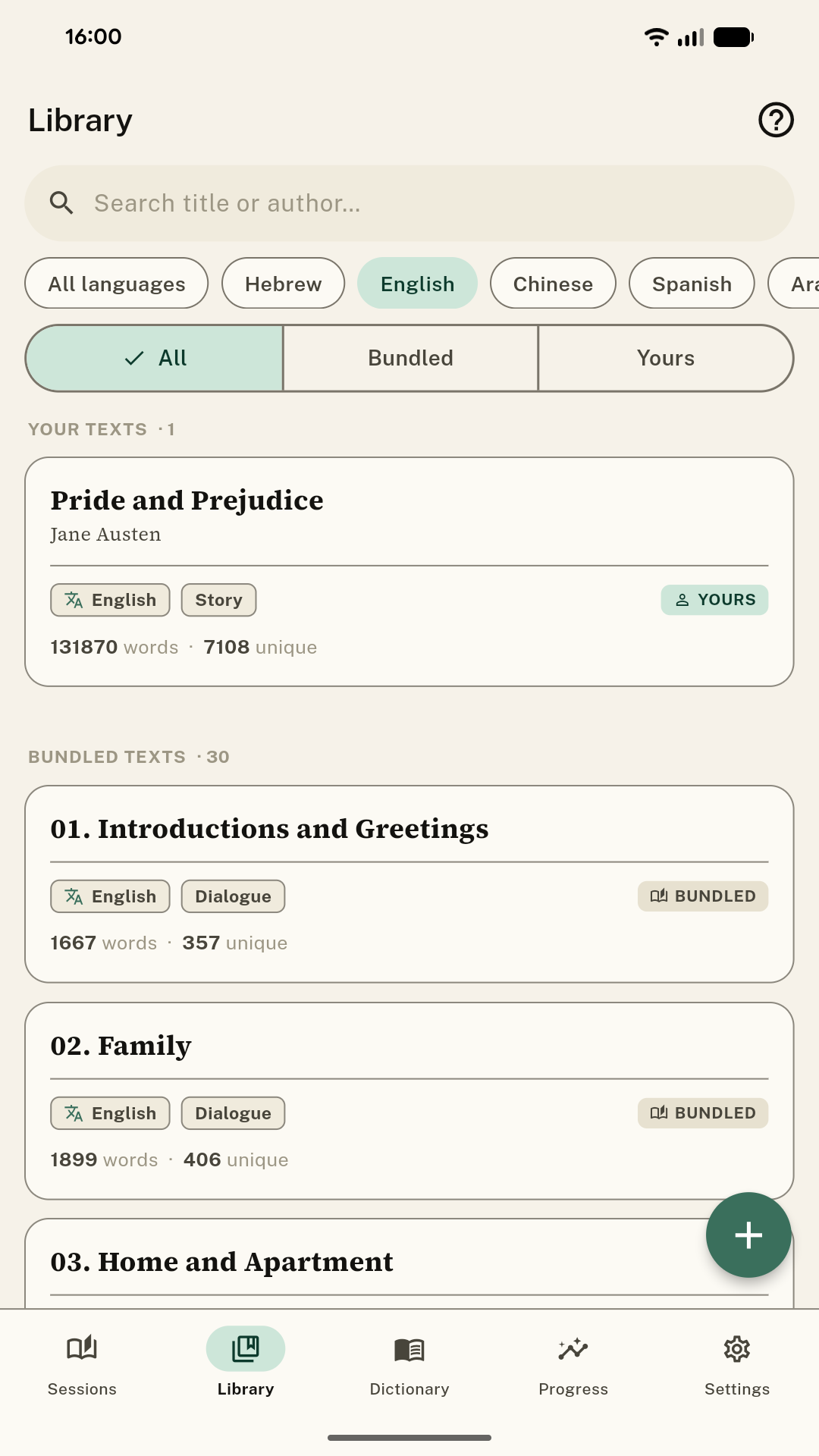
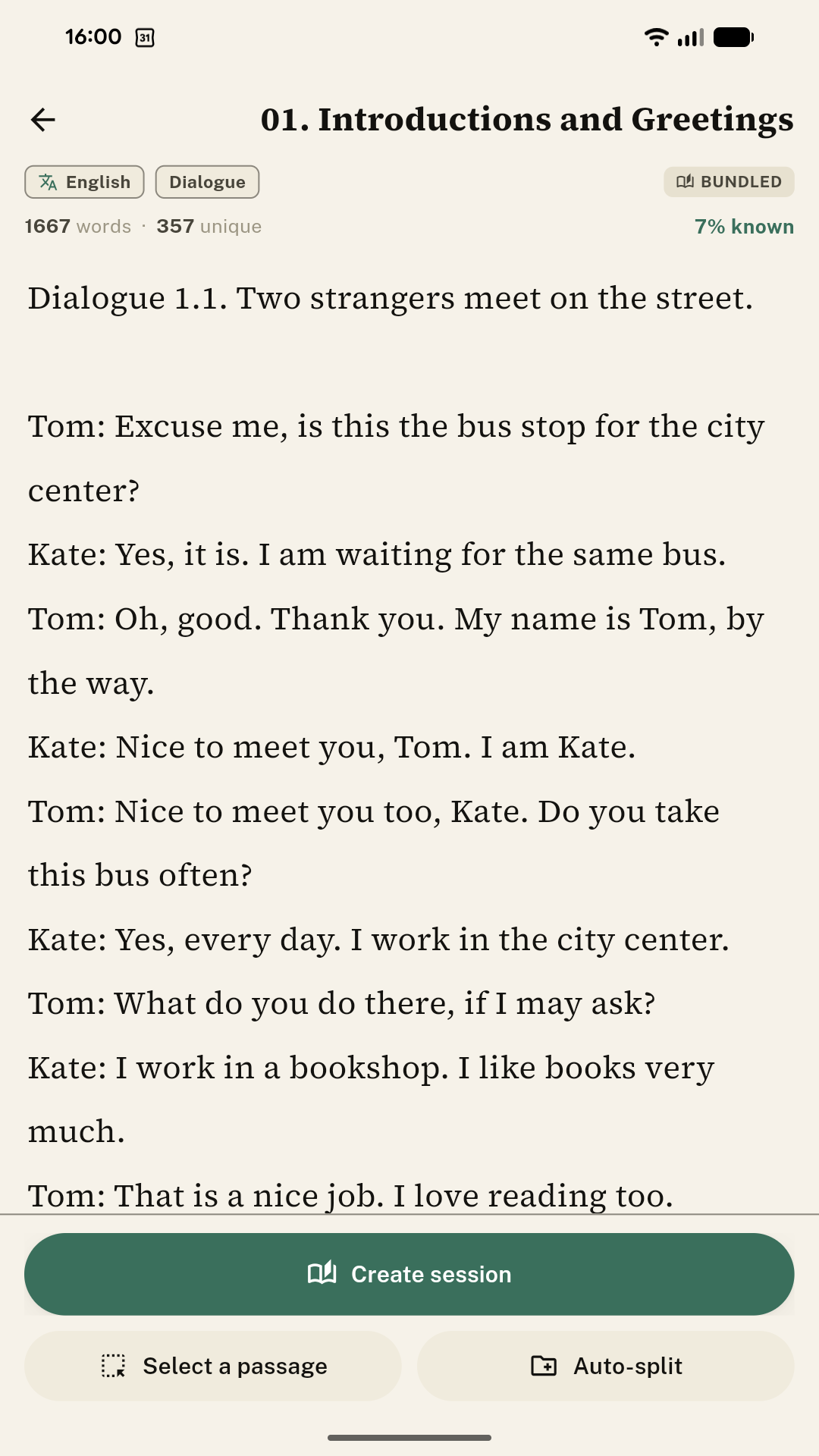
The Library lets you begin instantly: read texts built into the app — dialogues, stories, and more — or add your own from a file or an EPUB. Filter by language — Hebrew, Chinese, Spanish, Arabic, and far beyond — then turn any text into a session: the whole thing, a passage you select, or split automatically into bite-sized pieces.

Library of texts with language filters
Text preview — create session, select a passage, auto-split
Dictionary

A dictionary that's truly yours.

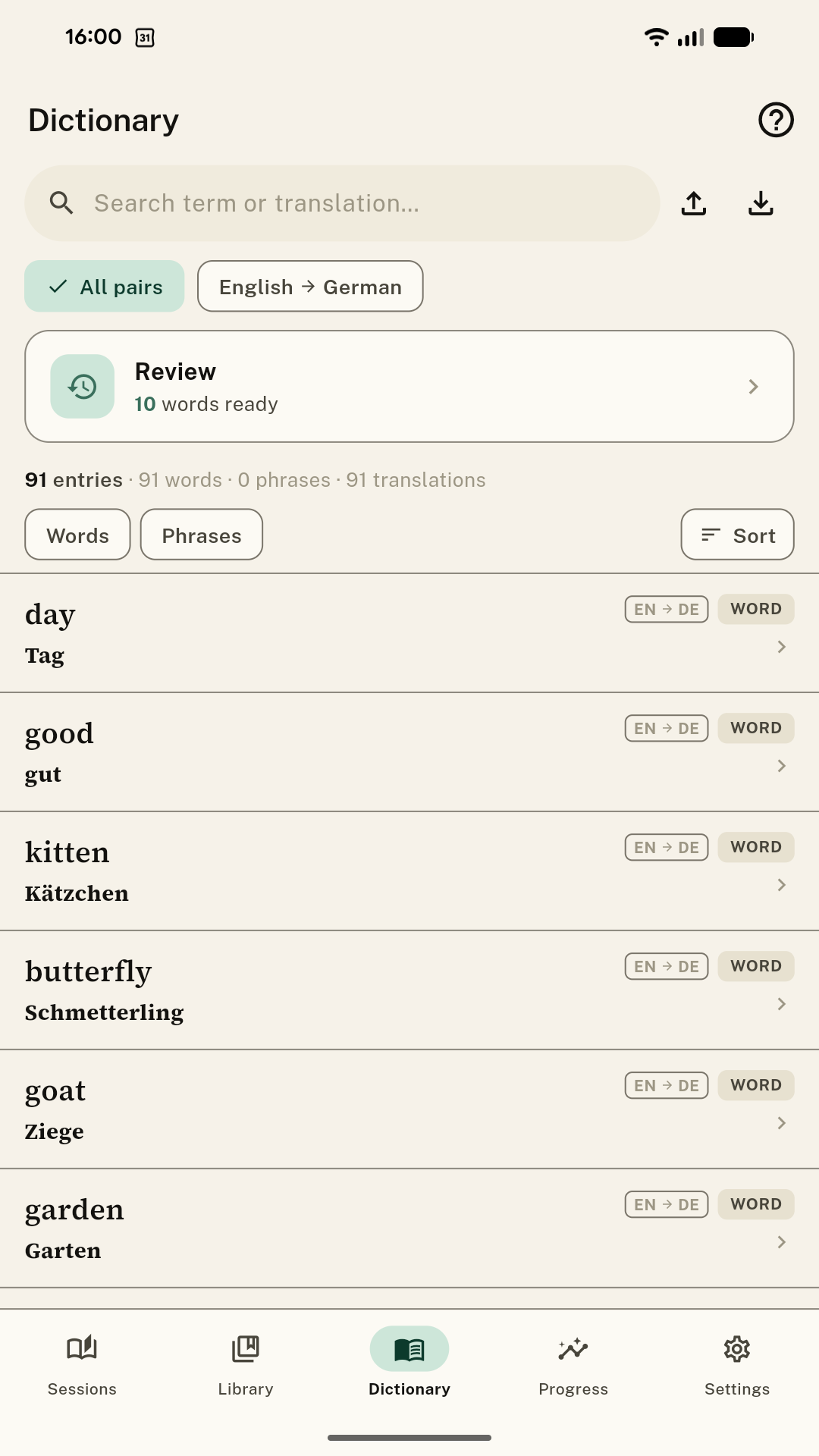
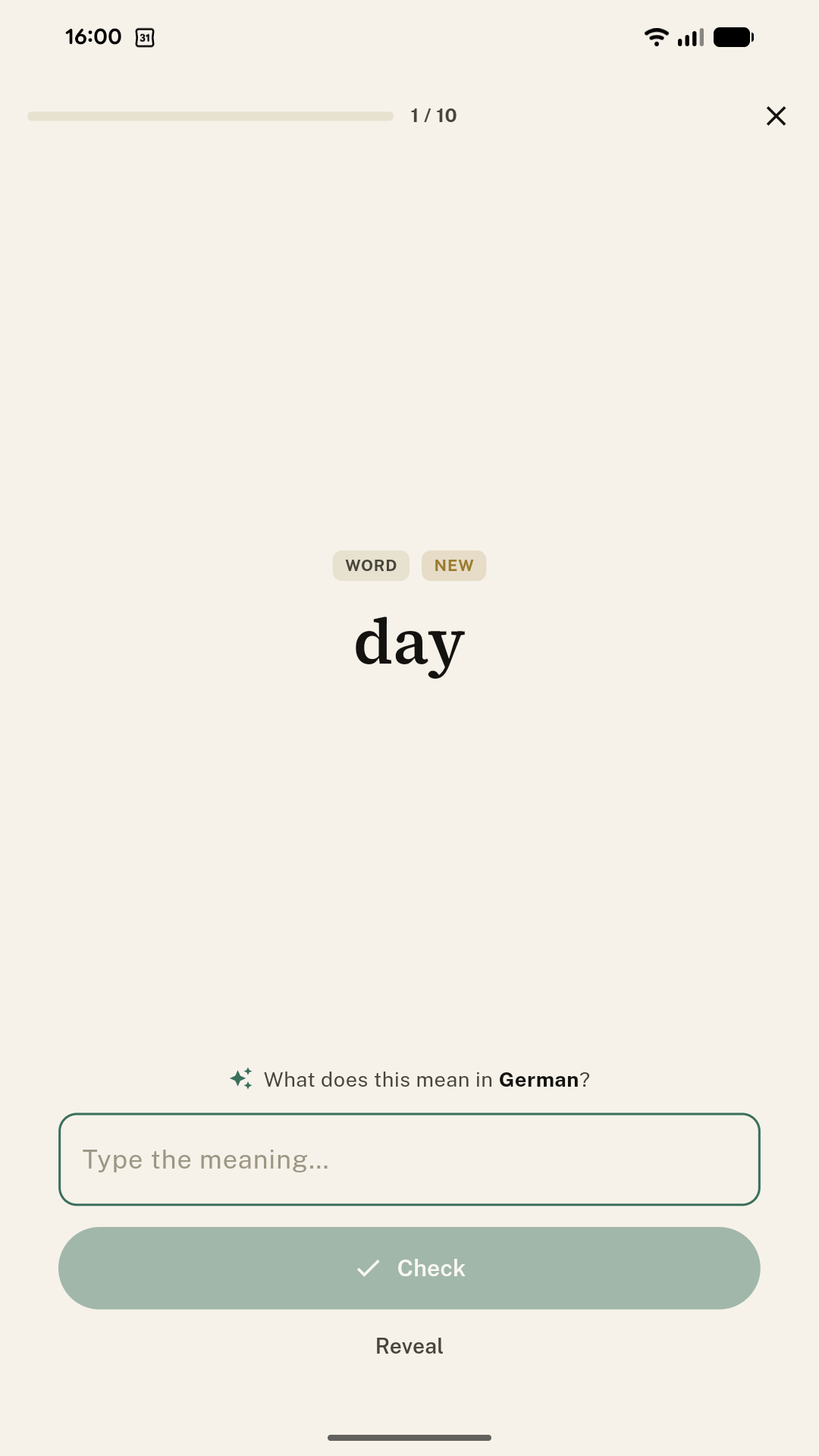
Every word you look up is saved to one personal Dictionary that follows you across everything you read, with as many meanings as you need. It's also the source for Review — a calm, optional way to bring words back just before you'd forget them. Recall what each word means, and the words you've met quietly become words you know.

Personal dictionary with Review card
Recall card: what does this mean in German?
Progress

See how far you've come.

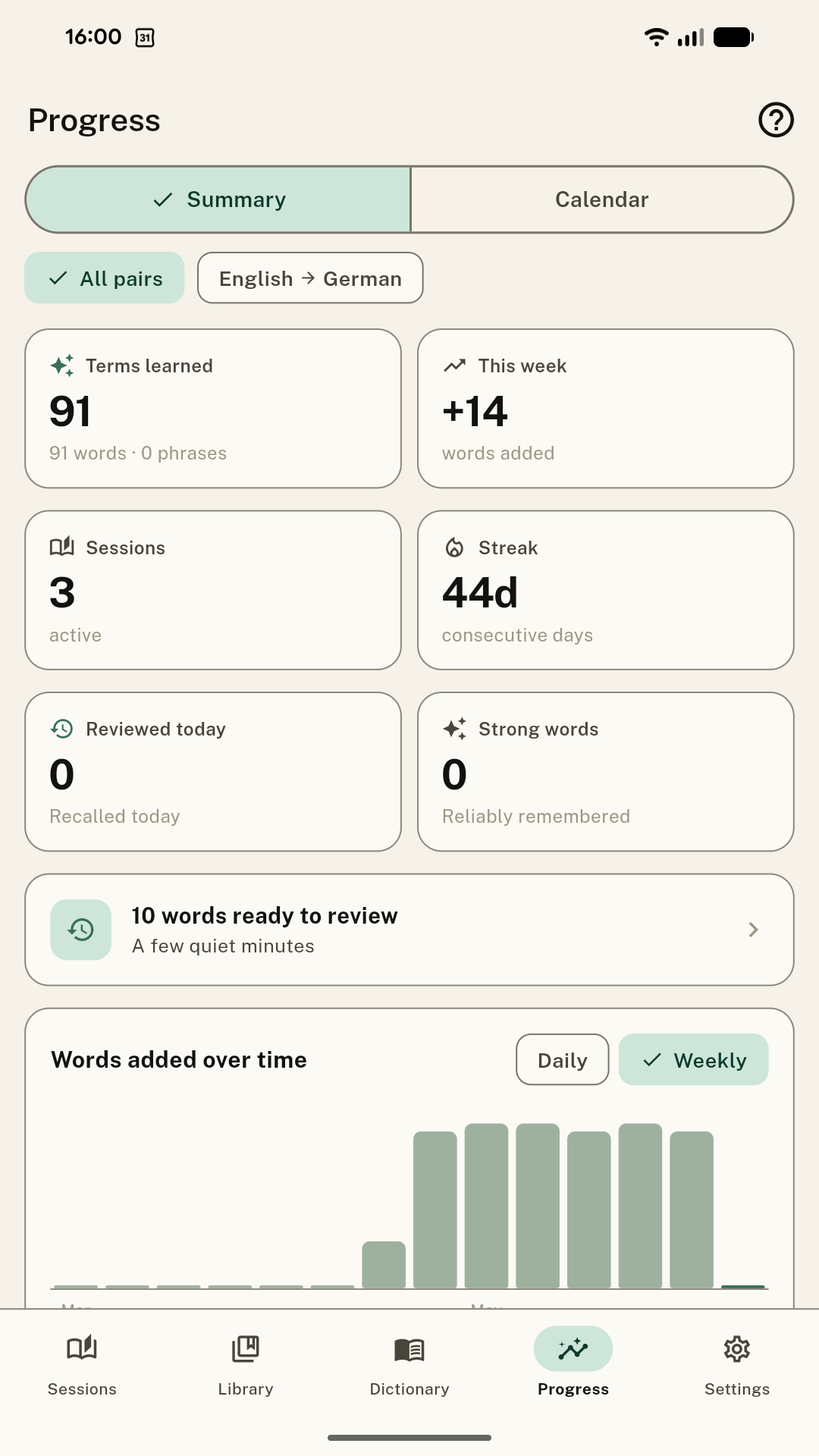
Progress shows your journey, gently: the words you've learned, how many you've added this week, your reading streak, and a quiet record of the days you've read. Encouragement, not pressure — and never a pile of overdue cards to dig out of.

Progress summary — terms learned, streak, words over time
Settings

Make it yours.

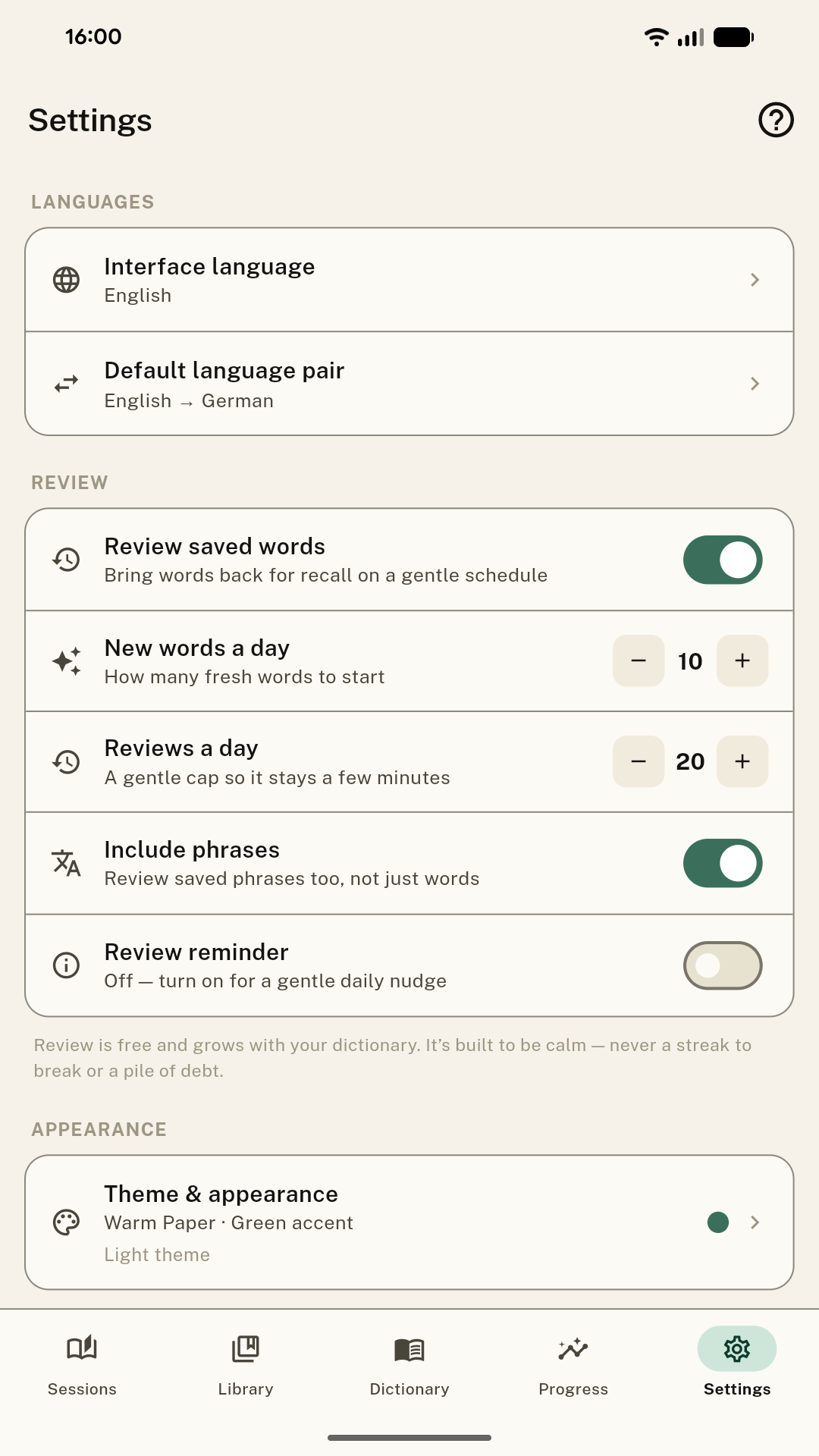
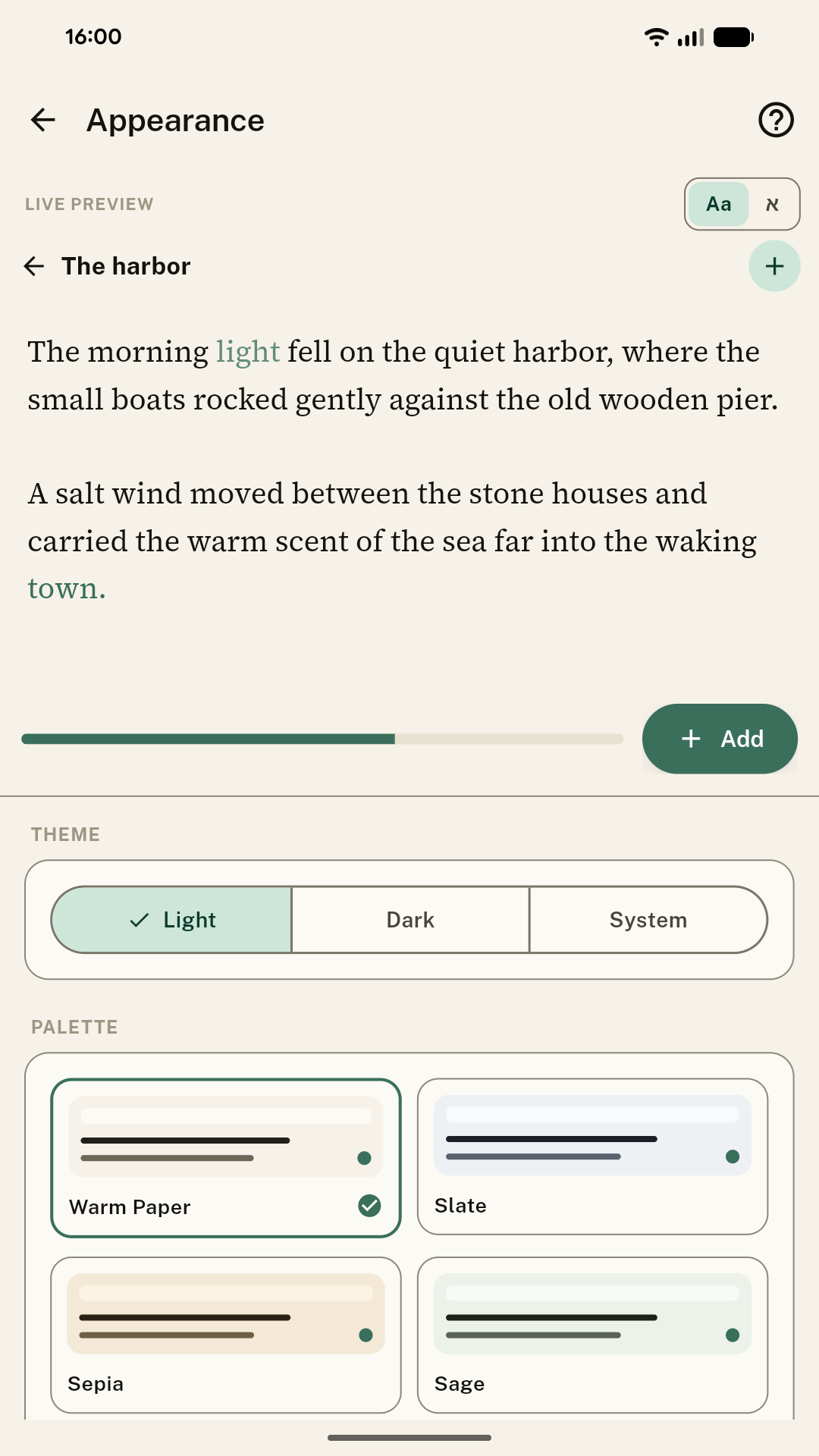
In Settings, TransReader bends to you. Pick your interface language and default language pair, tune Review to your own pace, and open Theme & appearance for eight hand-tuned themes — from warm paper to deep ink, sepia and true-black reading backgrounds — with adjustable text, a dyslexia-friendly font, and a live preview as you change them.

Settings — languages, review controls, theme
Appearance — live preview and palettes
Yours to keep

Your words stay yours.

TransReader keeps everything on your device — and lets you take it anywhere. No accounts, no cloud, no lock-in.

Back up & restore

Free

Save your whole library — words, sessions, folders, and progress — to a single file, then restore it in a tap on a new phone.

Import & export your dictionary

Premium

Move your vocabulary as a simple text file — to share it, or carry it between language pairs.

Export to Anki

Premium

Send your words to your favourite flashcard app whenever you want them somewhere else.

Who · how · why

Who TransReader is for.

Who it's for
Readers, not drillers

TransReader is for people learning a language who'd rather spend their time inside real books, articles, and lyrics than drill decks of flashcards — whether you're reviving a language you half-remember, supporting a class, or reading your first novel in a new tongue. It meets you at your level.

How it works
Bring a text, then read

Paste it, scan a page, or import a file or EPUB. Read, tapping words to recall their meaning; TransReader checks you kindly and remembers what you've learned. As your dictionary grows, more of every page becomes familiar.

Why it works
Time in the language

Because the surest way to learn a language is to spend time in it — and the most lasting way to remember a word is to meet it again in something you genuinely wanted to read. TransReader turns your own reading into practice: quietly, privately, at your pace.